Administrator guide
Administrators keep requests moving without bypassing the controlled workflow. Use the dashboard to understand the queues, then open the job to take the commercial, assignment, publishing, or recovery action that is due.
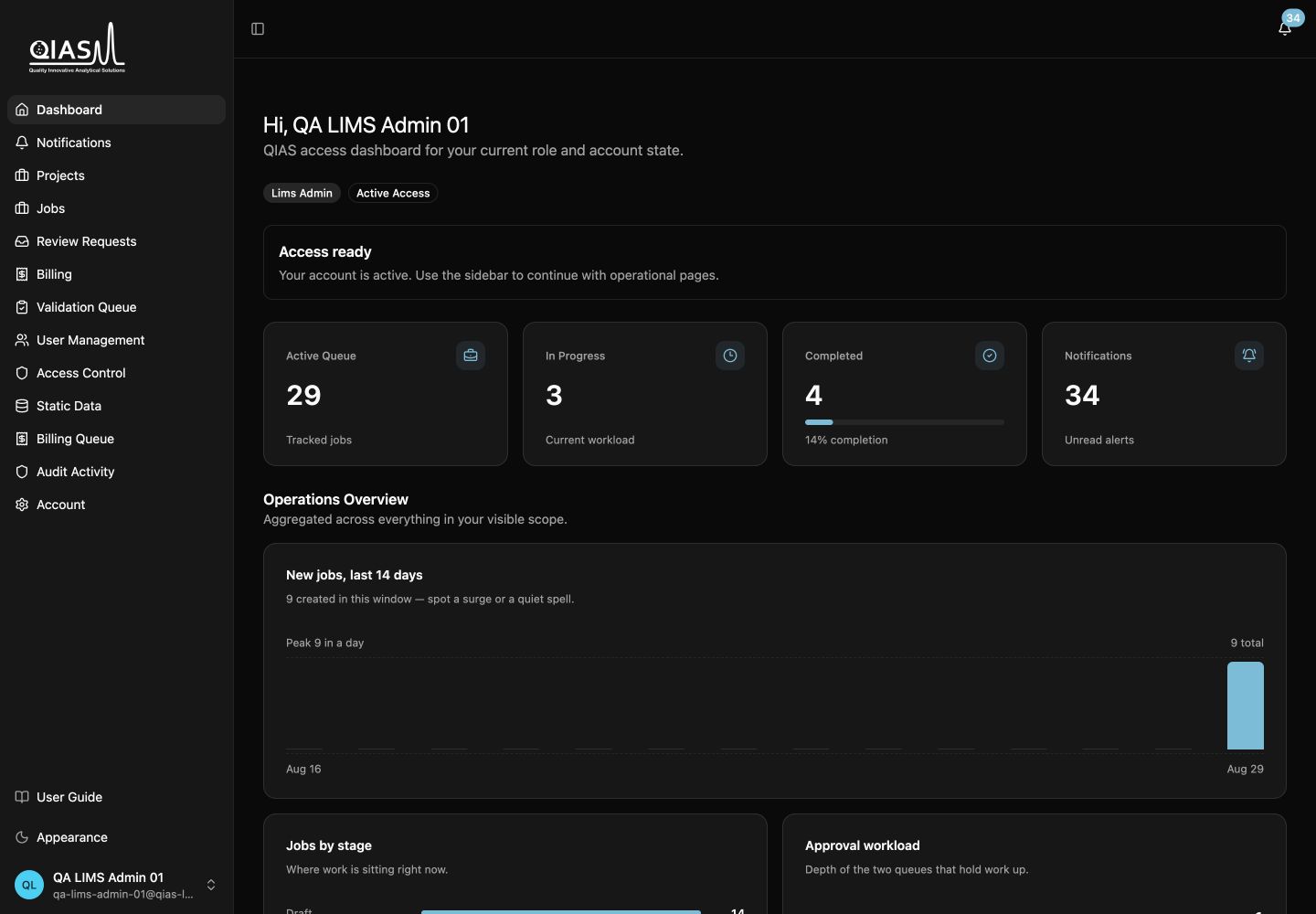
Administrative responsibilities
| Area | What to manage |
|---|---|
| Commercial workflow | Request review, quotation, invoice, payment-proof confirmation, and cancellation where necessary. |
| Delivery orchestration | Execution-owner and reviewer assignment, next instructions, controlled administrative recovery. |
| Publishing | Release only approved, clean final deliverables to clients, then close jobs when appropriate. |
| Access | Staff accounts, client-account approval, roles, permissions, service-group scope, and organizational memberships. |
| Static data | The catalogs used by request forms and operational workflows. |
| Audit | Activity history and operational records for traceability. |
Admin Console
Open Admin to access the client-account queue, staff and user management, access control, static data, billing queue, audit activity, and operational dashboard surfaces that your permission set allows.
The normal operating rhythm
- Review submitted requests and send the quotation.
- Wait for the client decision; send the invoice only after acceptance.
- Confirm the payment proof, assign the delivery owner and optional reviewer, then send next instructions.
- Follow jobs that are in progress, waiting for validation, or waiting for publication.
- Publish only an approved, scan-clean deliverable; close the job after release when operational work is complete.
Use overrides deliberately
Administrative overrides exist for controlled recovery, not routine progression. Use the normal job action whenever it is available; the normal action carries the intended gate checks and clearer operational meaning.
Continue with Commercial workflow.