Staff guide
QIAS LIMS gives you the jobs, documents, and actions appropriate to your role, service-group scope, and assignment. Start from Jobs or a notification, then let the job’s Next Action panel tell you the required next step.
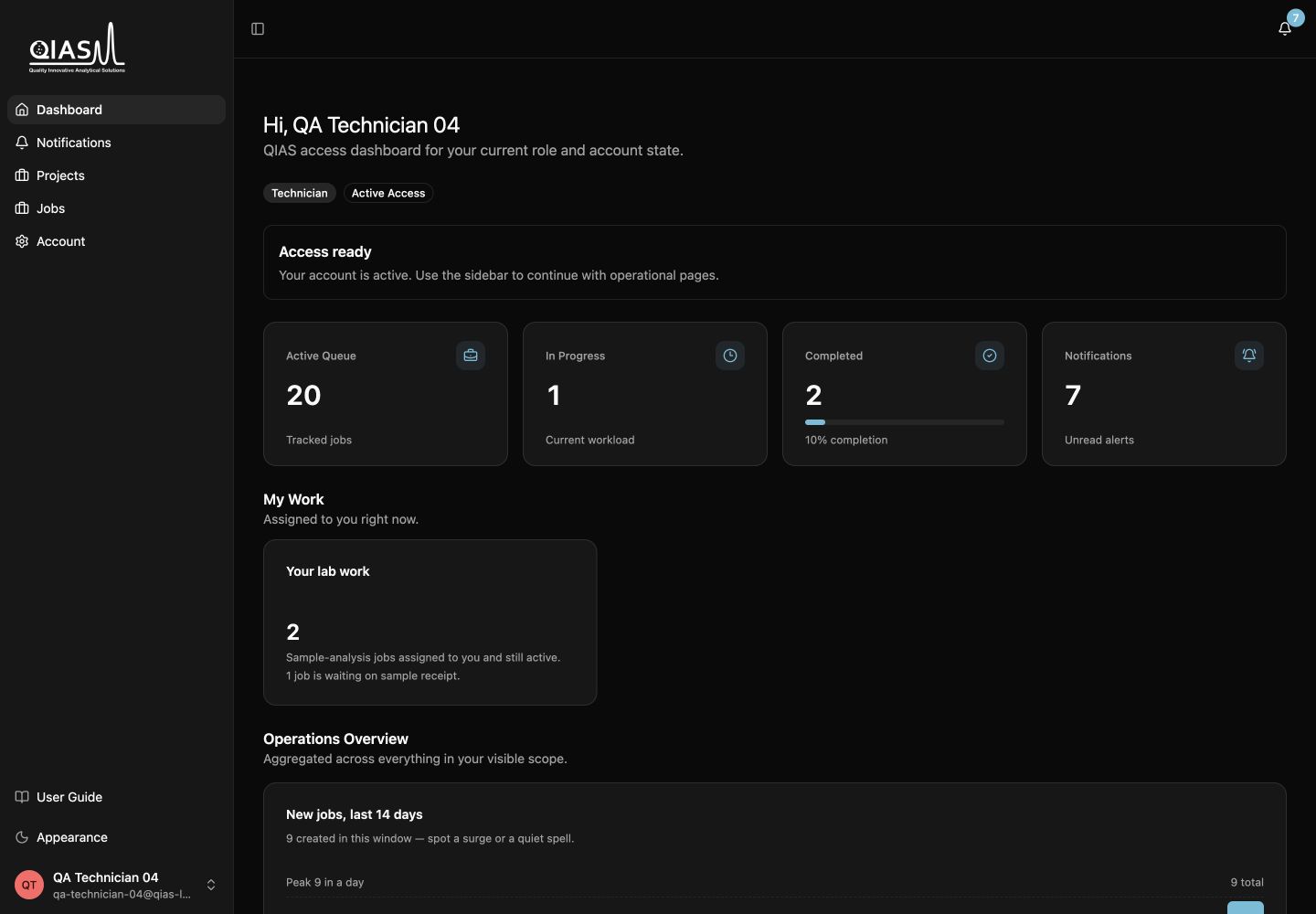
The staff roles
| Role | Primary responsibility |
|---|---|
| Technician | Receive samples, manage tests, record sample-analysis execution and results, upload the final report, and submit work for review. |
| Trainer | Confirm the training schedule, record completion, upload attendance evidence and the completion report, then submit for review. |
| Consultant | Confirm the consultation schedule, record completion, upload the session summary, then submit for review. |
| Reviewer | Validate submitted work, approve it, or request changes with comments. |
| LIMS administrator | Manage commercial progression, assignments, catalogs, publishing, and controlled overrides. |
The access rules that matter
- Service group determines which work area you can see.
- Execution owner determines who can normally start and record delivery work on a job.
- Validation reviewer can be assigned before delivery begins so validation responsibility is clear.
- Admin fallback is controlled and auditable; it is not a substitute for routine assignment.
If you can see a job but cannot act on it, open the job’s Next Action panel. It explains whether an assignment, commercial step, physical receipt, schedule, report, or another predecessor action is missing.
Start with your role
Technician
Receive samples, issue and print labels, record tests, then submit the final report.
Trainer or consultant
Confirm the schedule, record delivery, upload the appropriate report, and submit for review.
Reviewer
Validate submitted work, approve it, or request specific corrections.
Your main pages
| Page | Use it for |
|---|---|
| Jobs | Find work in your service-group scope and open the job record. |
| Review Requests / Validation Queue | Review jobs that need request review or validation, when your role grants access. |
| Notifications | Open job assignments, validation requests, and operational updates. |
| Settings | Maintain profile, preferences, MFA, and security details. |
Continue with Assignments and job ownership.