Client guide
Use QIAS LIMS as the shared record for your service request. You create the request, respond to quotations and invoices, follow the visible milestones, and retrieve only the documents formally released to your organization.
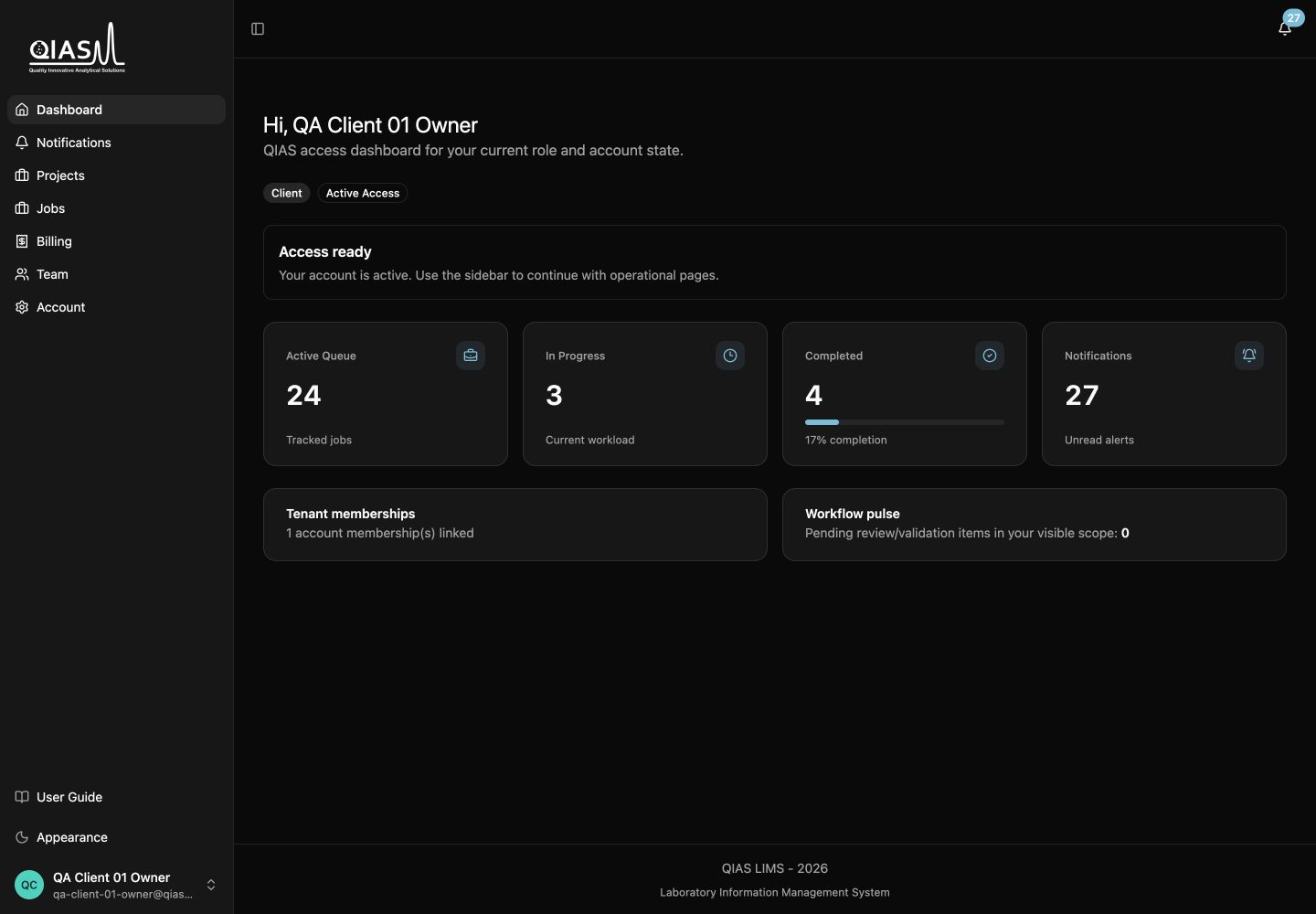
Start here: open Projects when you want to create or follow work. Open Notifications when QIAS LIMS tells you a quotation, invoice, payment, or final result needs attention.
Your main pages
| Page | Use it for |
|---|---|
| Dashboard | Check current account status and follow-up items. |
| Projects | Organize related work and open a project’s jobs. |
| Jobs | Track individual requests and take the next available action. |
| Notifications | Read in-app alerts and open the related job. |
| Settings | Manage your personal information, security, preferences, and organization identity where applicable. |
Your path from request to result
1. Create a project and job — A project groups related work. A job is one sample-analysis, training, or consultation request.
2. Submit the request — After submission, it moves to internal review. Your view uses client-friendly labels instead of internal processing language.
3. Act on commercial documents — Review the quotation, accept or decline it, receive the invoice, and upload payment proof.
4. Follow delivery instructions — QIAS LIMS notifies you of next steps after payment confirmation, such as sample submission instructions or service scheduling.
5. Download published results — Final documents become available only after QIAS LIMS publishes them. They remain available after the job is closed.
What to do when a status changes
| Label you may see | Meaning |
|---|---|
| Draft | Your request is saved but not submitted. |
| Under Review | QIAS LIMS is reviewing the request or preparing the next commercial step. |
| Quotation Sent | A quotation is available for your response. |
| Invoice Sent | The quotation is accepted and an invoice is ready for payment. |
| Payment Received | Your payment proof has been confirmed. Wait for the delivery or scheduling instructions. |
| In Progress | QIAS LIMS is performing the requested service. |
| Final Results Available | Results have been released to you. |
Continue with Your account and organization or Projects and service requests.